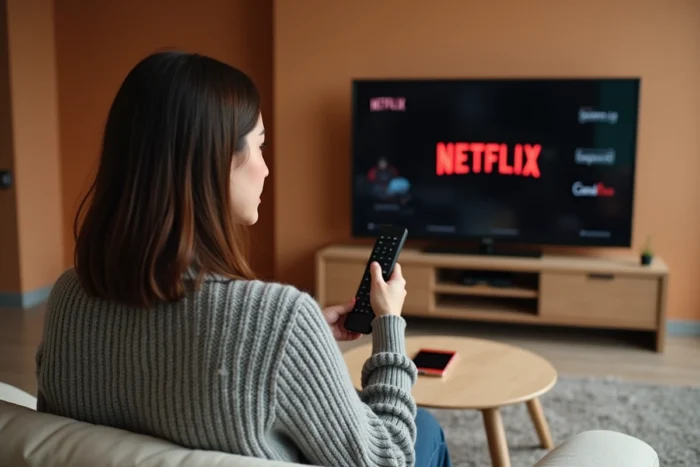
We just subscribed to a Canal+ offer that includes Netflix, we receive a confirmation email, and yet access to the streaming platform remains blocked. This situation is common, and the activation procedure is not automatic. Understanding the concrete steps helps avoid going in circles between the Canal+ customer area and the Netflix app.
Verification code and customer area: the sequence that guides forget
Most tutorials mention an “activation link received by email.” In practice, the procedure now goes through the Canal+ customer area with an additional security step.
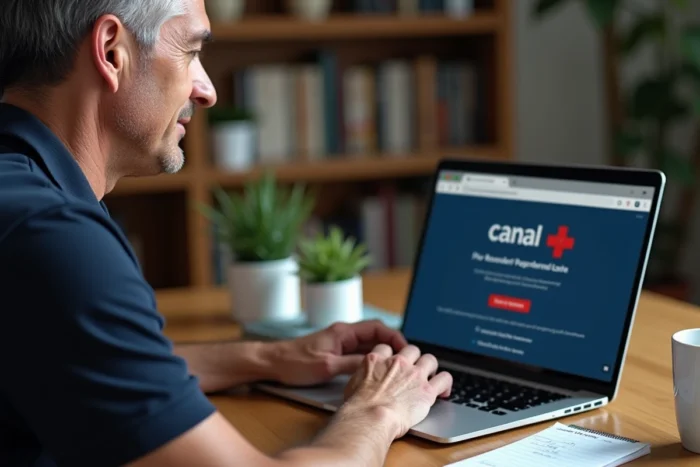
Here is the complete path. We log into the Canal+ customer area, then navigate to Subscription, then My Platforms, then Manage My Platforms. Under the Netflix logo, an “Activate” button appears. By clicking on it, Canal+ sends a six-digit verification code via SMS, WhatsApp, or email.
This code must be entered within minutes. Once validated, we are redirected to Netflix to create an account or link an existing account. If we already have an active Netflix subscription, Canal+ takes care of the billing, and Netflix stops charging directly, without losing profiles or viewing history.
Before starting this procedure, we can check the details to activate Netflix with a Canal Plus subscription to ensure that our offer indeed includes the service.
Netflix Standard with ads or without ads: which version according to the Canal+ offer
The most common trap comes from the confusion between the integrated Netflix versions. Not all Canal+ offers provide access to the same Netflix plan, and the difference is felt in use.
- Canal+ Ciné Séries and RAT+ Ciné Séries include Netflix Standard with ads by default. You have access to the entire catalog, but ads interrupt the programs, and offline downloads of certain content are limited.
- Canal+ La Totale directly includes Netflix Standard without ads. No interruptions, full access to downloads, HD quality on two simultaneous screens.
- To upgrade to Netflix Premium (UHD quality, up to four simultaneous screens), a paid option must be added from the Canal+ customer area, regardless of the initial offer.
This distinction has a direct impact on daily viewing comfort. If we primarily watch Netflix on a 4K television with several household members connected at the same time, upgrading to Premium should be considered right at activation.
Linking an existing Netflix account without losing profiles
Many subscribers hesitate to activate Netflix via Canal+ for fear of losing their profiles, their “My List” lists, or their recommendation history. The linking procedure preserves everything.
At the time of activation from the Canal+ customer area, Netflix offers two options: create a new account or log in with an existing account. By choosing the latter, we enter our usual Netflix credentials. The account switches to Canal+ billing without resetting.
One point to check beforehand: if the old Netflix subscription is at a higher level than that included in the Canal+ offer (for example, Premium while the offer includes Standard with ads), the plan will be downgraded. We then lose UHD quality and additional screens, unless we add the Premium option on the Canal+ side.
For subscribers who were paying for Netflix through a third-party operator (Freebox, for example), they must first cancel the link with that operator before linking the account to Canal+. Feedback varies on the processing time, but allowing a few business days remains prudent.

Accessing Netflix on Canal+ decoder and other screens
Once the activation is complete, Netflix becomes accessible on the Canal+ decoder via channel 80 or directly in the “Channels and Apps” section of the menu. The Netflix app launches just like on any other device.
On computer, tablet, or smartphone, we use the classic Netflix app with the credentials of the linked account. The Canal+ subscription imposes no device restrictions: any Netflix-compatible terminal works normally.
For subscribers who do not have the Canal+ decoder, access remains possible on all connected screens via the Netflix app or the site netflix.com. The decoder is not a prerequisite to enjoy the streaming service included in the offer.
Frequent blocks when activating Netflix via Canal+
Three situations regularly arise in subscriber feedback.
The “Activate” button does not appear in the customer area. This happens when the subscribed offer does not include Netflix (some entry-level Canal+ plans lack it). We check in the details of our subscription if Netflix is indeed listed among the included services.
The six-digit verification code does not arrive. The problem often comes from an outdated phone number or email address in the Canal+ profile. Updating contact information in the customer area before starting the activation resolves most of these blocks.
Netflix asks for a payment method even though the offer is supposed to be included. This case occurs when trying to sign up directly on netflix.com instead of going through the Canal+ activation process. The procedure must start from the Canal+ customer area, not from Netflix.
In case of persistent blocking, the Canal+ support service handles these requests via chat or phone. Keeping your subscriber number and the email address linked to the account handy speeds up resolution.